Enterprise hosting · Built for gamers
Set Up SpeedKit – Plesk Performance Extension (Baqend)
Quick answer: SpeedKit is a Plesk extension by Baqend that speeds up websites by 50–300% via service worker and edge caching. Install: Plesk → Extensions → SpeedKit → Install → Configure. WordPress: one-click integration. Other CMS: embed JavaScript snippet.
What is SpeedKit?
SpeedKit (by Baqend) is a Plesk performance extension that accelerates websites without backend changes. A service worker in the browser reroutes requests to a fast edge cache.
SpeedKit vs. Cloudflare vs. nginx cache
SpeedKit excels at dynamic sites (WordPress, shops). Cloudflare is free for static assets + DDoS. nginx cache in Plesk works for simple static sites. See website performance guide.
Installation steps
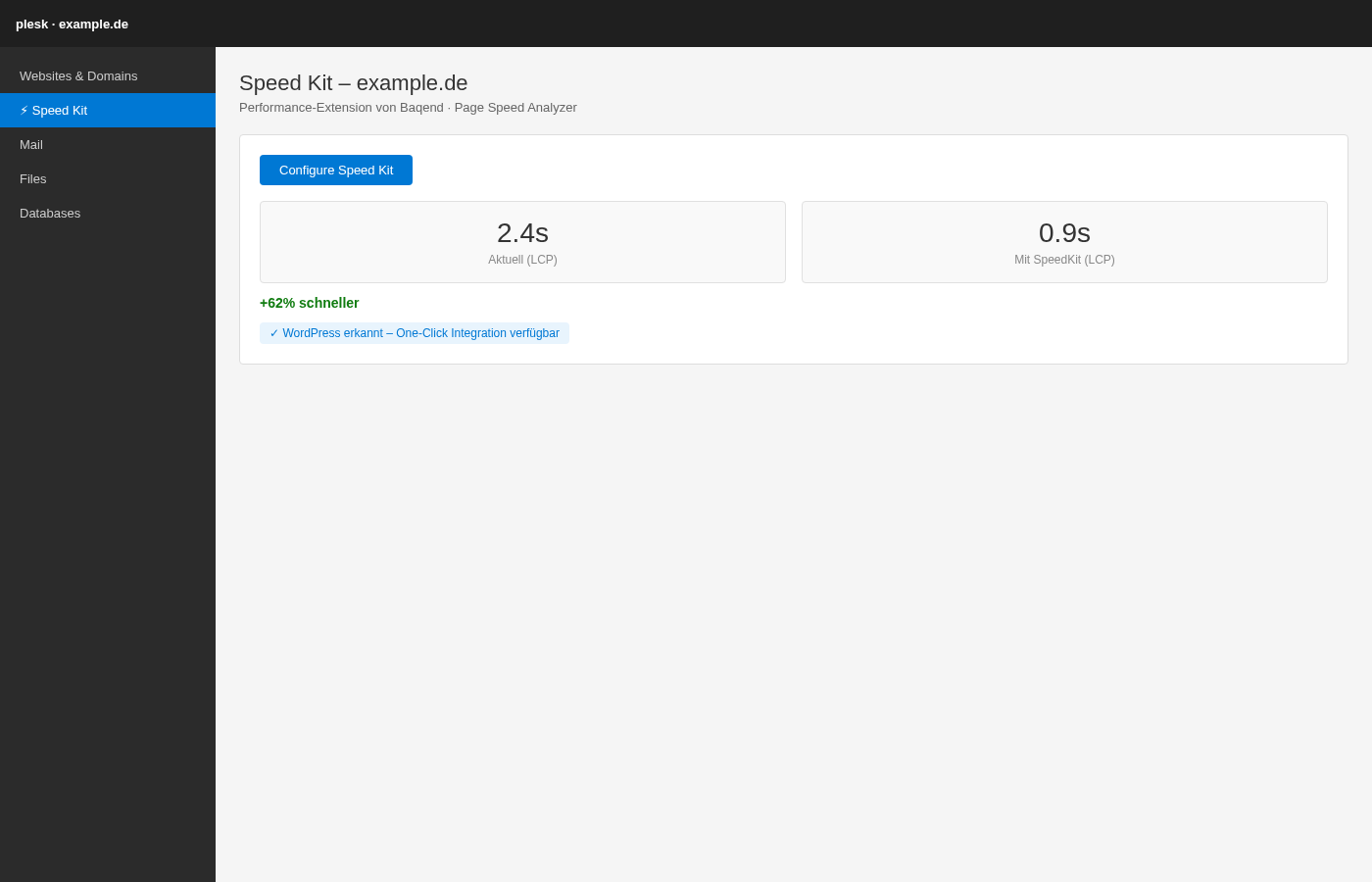
- Log in to Plesk → Extensions → search Speed Kit → Install
- Open your domain → Speed Kit → Install Speed Kit
- Configure Speed Kit → follow wizard
- WordPress: one-click integration. Other sites: paste JS snippet in head
- Configure cache policies, blacklist checkout/cart URLs
Common issues
HTTPS required for service worker. Blacklist dynamic pages (cart, checkout). Clear browser cache after setup.
Related guides
Frequently asked questions (FAQ)
Is SpeedKit free?
Does SpeedKit work with WordPress?
Can SpeedKit speed up my shop?
SpeedKit or WP Rocket – which is enough?
NexoraHost
Webspace & websites
SSD hosting with free SSL, email mailboxes & Plesk panel.
nexorahost.com · Maincubes FRA01 · 1 Tbit/s DDoS · 99,9 % Uptime